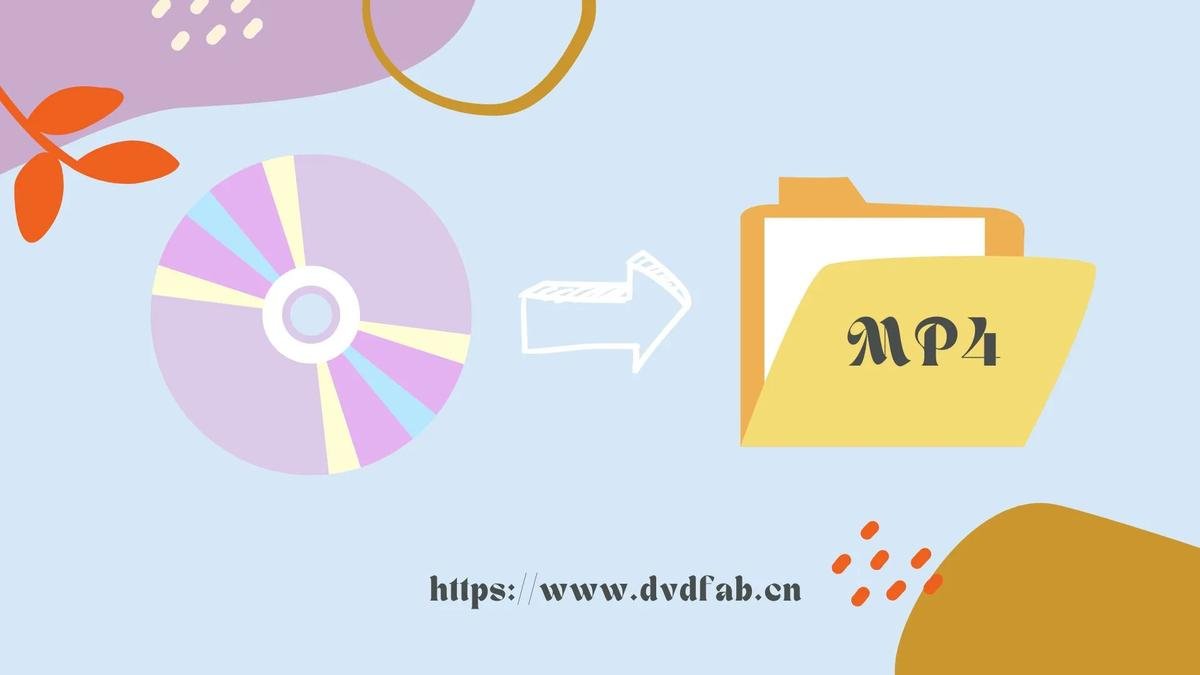
As I settled onto my couch with a bowl of popcorn, ready for a movie marathon, I realized the magic of home entertainment has evolved immensely over the years. The days of rifling through dusty DVD bins in the local video store are long gone, replaced by sleek software like DVDFab that makes digital media management smoother than ever. This powerful tool is not just a DVD ripper; it's a comprehensive suite for anyone keen on preserving and enjoying their film library. And as I explored its features over the past few days, I found myself pondering not just how it works, but how users like me can maximize our experience—and our savings.
What is DVDFab?
DVDFab is a software suite designed for managing DVDs, Blu-rays, and even 4K UHD content. With a variety of tools at your fingertips—from ripping and converting to burning and copying—it caters to a wide audience, from tech enthusiasts to casual movie lovers. The installation process was seamless, and I appreciated the intuitive UI that guided me through the initial setup without overwhelming me. Right off the bat, it was clear that this platform is built for efficiency and ease of use.
Exploring Features: What Stands Out?
- Versatile Ripping CapabilitiesOne of the standout features of DVDFab is its ability to rip DVDs and Blu-rays into various formats quickly. Whether you want to convert a movie for your tablet or create a backup for your physical collection, DVDFab has you covered. I tested the process with a classic film, and within minutes, I had a high-quality digital copy ready to enjoy.
- User-Friendly InterfaceNavigating DVDFab felt intuitive, even for someone unfamiliar with media software. The layout is clean, with clear icons and tooltips that made it easy to find what I needed. I appreciated how the software didn’t bombard me with options right away; instead, it guided me gently through the process.
- Batch ProcessingFor avid collectors with large libraries, batch processing is a game-changer. I tested this feature by selecting multiple DVDs to rip at once. The software handled the workload efficiently, allowing me to enjoy a snack while it worked through my collection. This feature alone could save hours for those with extensive catalogs.
- High-Quality OutputQuality matters when it comes to movies, and DVDFab does not disappoint. The software supports various resolutions and formats, ensuring that whether I’m watching on a big screen or a handheld device, the experience remains top-notch. I noticed minimal quality loss, which was crucial for preserving the cinematic experience.
As I dug deeper into DVDFab's offerings, I discovered its unique ability to handle 3D and 4K content, which is becoming increasingly popular among home entertainment enthusiasts. The support for these formats was impressive, but what really piqued my interest were the extras—features like the Media Server and the option to create a customizable movie database to keep everything organized. You can head over to DVDFab's site.
While DVDFab provides a robust suite of features, it's helpful to consider it alongside competitors in the market. Here's how it stacks up:
| Brand | Best For | Highlight | Promo Code |
|---|---|---|---|
| Restream | Live streaming and multi-platform broadcasting | Ease of use and audience engagement tools | See Discount Codes → |
| NFHS Network | Live high school sports streaming | Exclusive coverage and live events | See Discount Codes → |
| Streamlabs | Stream customization for gamers | Advanced streaming features and overlays | See Discount Codes → |
| PixellotYou | Automated sports coverage | AI-driven camera systems for events | See Discount Codes → |
With DVDFab, I realized that managing my media collection could be as enjoyable as watching the films themselves.
How to Get Started
Getting started with DVDFab is straightforward. After downloading the software from the official DVDFab website, you can opt for a free trial that allows you to test out most of the features before committing to a subscription. I appreciated this approach, as it gave me a chance to familiarize myself without any pressure.
Final Thoughts on DVDFab
After spending several days immersed in the DVDFab experience, I found it transformed my perception of digital media management. It’s not just about ripping DVDs; it’s about preserving memories and making them accessible in an era where streaming dominates. For anyone who values quality and organization in their movie collection, DVDFab is a worthwhile investment. Plus, with various promotional codes available, now is a great time to jump in and explore all that this software has to offer.